 Doorbook
Language and currency
Language and currency are chosen separately. Either can be changed inside the app without reinstalling and without changing the device's language.
Changing the language
The app's language can be changed inside the app. It takes effect immediately — no reinstall, and no need to change the device's own language setting.
- Thai, English, Simplified Chinese, Traditional Chinese, Burmese, Lao, Khmer, Vietnamese, Japanese, Korean, French, German, Spanish, Brazilian Portuguese, Russian.
Choosing a currency
Currency is chosen separately from language. Fourteen are available: THB, VND, CNY, TWD, MMK, LAK, KHR, JPY, KRW, USD, EUR, GBP, BRL, RUB.
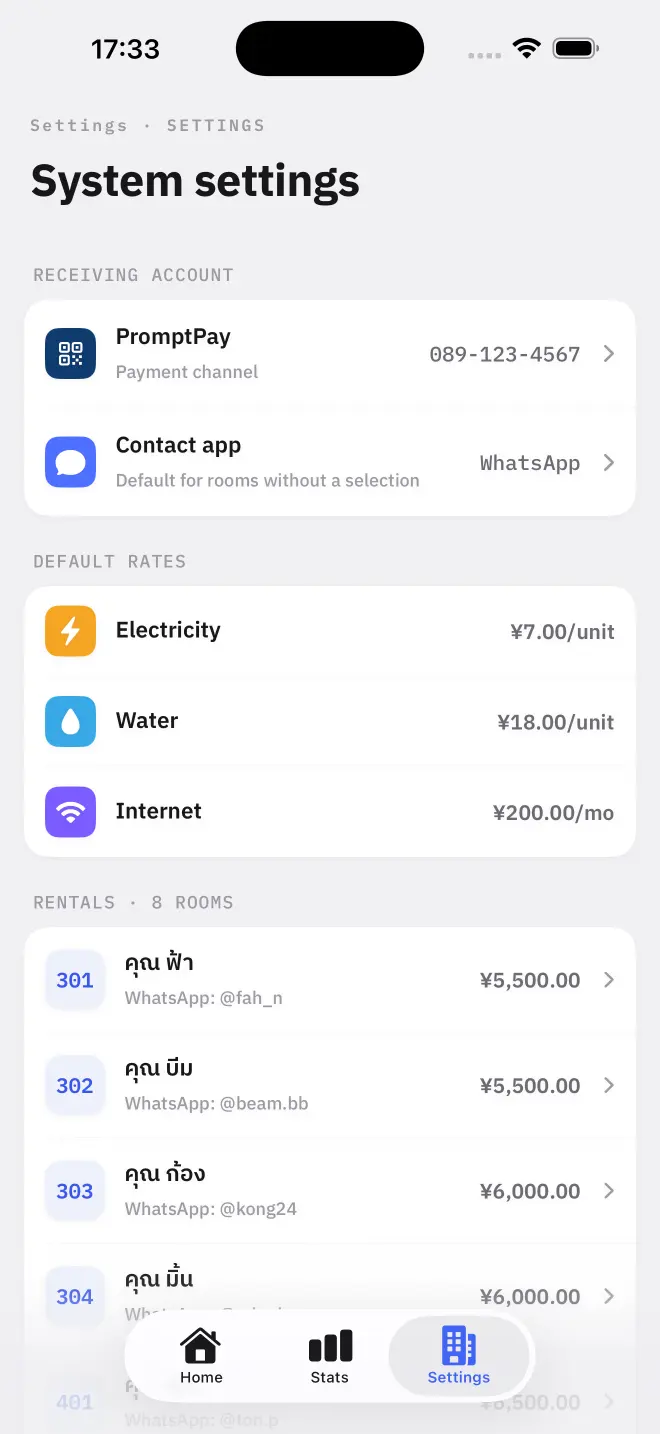
Left alone, the currency follows the app's language, and the starting rates suggested during setup are scaled to that country. You can override either in Settings.
What changing currency does not do
Changing the currency changes the symbol the figures are displayed with. It does not convert anything — there is no exchange rate in Doorbook. A rate of 7 is 7 of whatever you are billing in.
Which messenger is suggested
The messenger the app suggests for sending bills also follows the language: LINE for Thai, WeChat for Simplified Chinese, KakaoTalk for Korean, Zalo for Vietnamese, Telegram for Russian, WhatsApp otherwise. It can be overridden for the whole book and per room.
Read next
Set the building up once
Set up your building in Doorbook: choose how you get paid, set your default electricity and water rates, and add your first room with its opening meter readings.
NextGetting paid
Doorbook puts a payment QR on every bill: PromptPay in Thailand, VietQR in Vietnam, KHQR in Cambodia, or a photograph of your own bank QR anywhere else.