 Doorbook
Set the building up once
Doorbook asks for three things before it can bill anything: how you want to be paid, what you charge per unit, and what each meter reads today. Ten minutes now and the app does the arithmetic for the rest of the building's life.
There is no account to create and no sign-up. Open the app and it starts asking questions, because everything it needs lives on your phone.
-
1Payment
Choose how tenants pay you
Doorbook builds a payment QR into every bill. Pick the standard your country uses — PromptPay in Thailand, VietQR in Vietnam, KHQR in Cambodia — or upload a photograph of your own bank or wallet QR if you are anywhere else. You can change this later in Settings → Payment.
-
2Rates
Set your default rates
Enter what you charge per unit of electricity and per unit of water, plus a monthly internet charge if you levy one. These become the starting values for every new room, so set them to whatever most of your rooms pay. A room that is different can override them individually.
-
3Currency
Check the currency
Doorbook picks a currency from your app language — baht for Thai, dong for Vietnamese, yen for Japanese, and so on. If that is wrong for you, change it in Settings; fourteen currencies are available and the choice is independent of the language you read the app in.
-
4First room
Add a room
Give it a number, the rent, and — this is the important part — the current reading on its electricity and water meters. That opening figure is the line Doorbook measures the first month's usage from.
Why the opening reading matters more than anything else
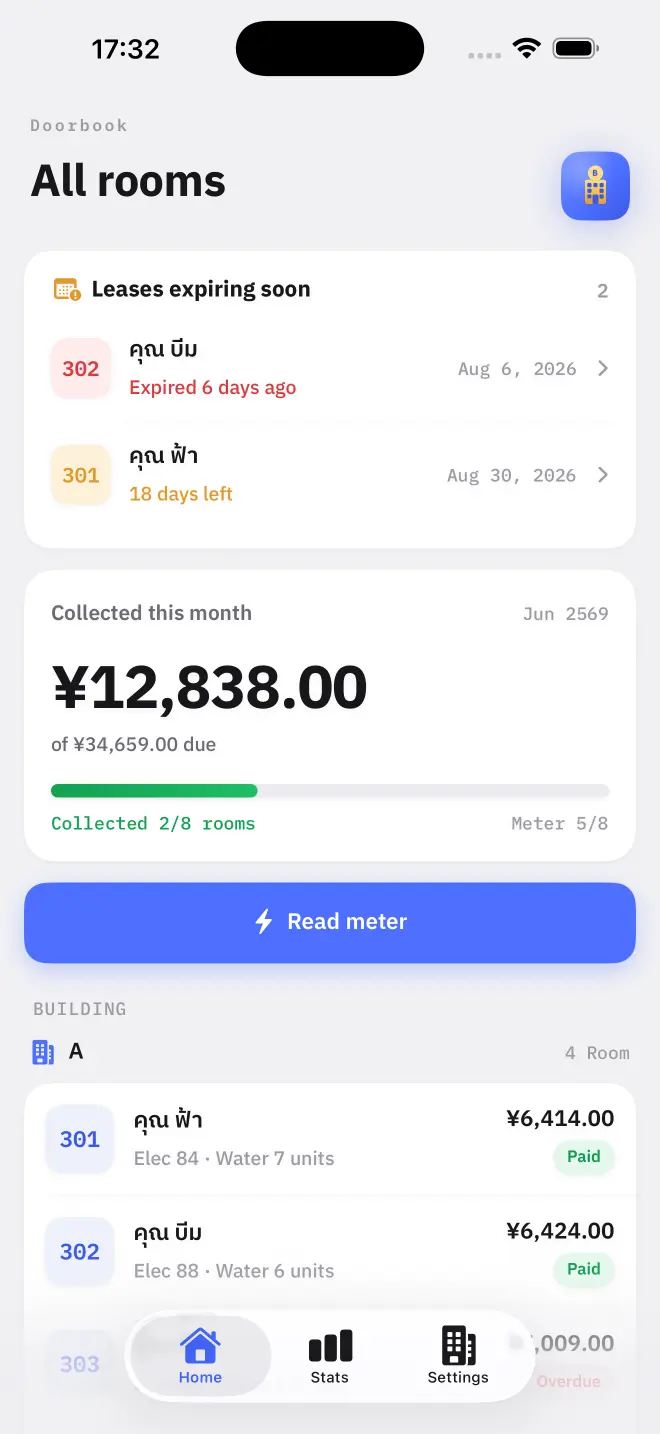
A utility meter is a counter. It does not report what a room used this month; it reports everything the meter has ever counted. Doorbook works out consumption by subtracting last month's figure from this month's — so the first figure you type is the baseline for the first bill.
Walk the building with the app open and type each meter's face value as you stand in front of it. It is the single most valuable ten minutes you will spend in Doorbook.
What you do not have to do
- No account, no email, no password. Nothing is registered anywhere.
- No tenant app. Tenants never install anything — they receive a bill and a QR code.
- No connection. The whole app works offline, which matters because meter cupboards are where signal goes to die.
- No card details. Doorbook is free for your first 18 rooms.
Read next
Rooms, rent and rates
How to add rooms in Doorbook, set rent, internet and per-unit electricity and water rates, override the defaults for one room, and group rooms into buildings.
NextReading the meters
How Doorbook turns meter readings into billable units: type the counter value on the meter face, and the app subtracts last month's figure and multiplies by your rate.