 Doorbook
More than one property
If you own more than one building, you can group rooms under names so the home screen and the analytics keep each property separate.
A room belongs to at most one building. Rooms with no building assigned sit in a single group — which is what a one-building landlord wants anyway.
What buildings change
- The home screen groups rooms by building instead of listing them in one flat list.
- Analytics totals are separated the same way, so each property's collection rate and utility use stand on their own.
Creating and managing them
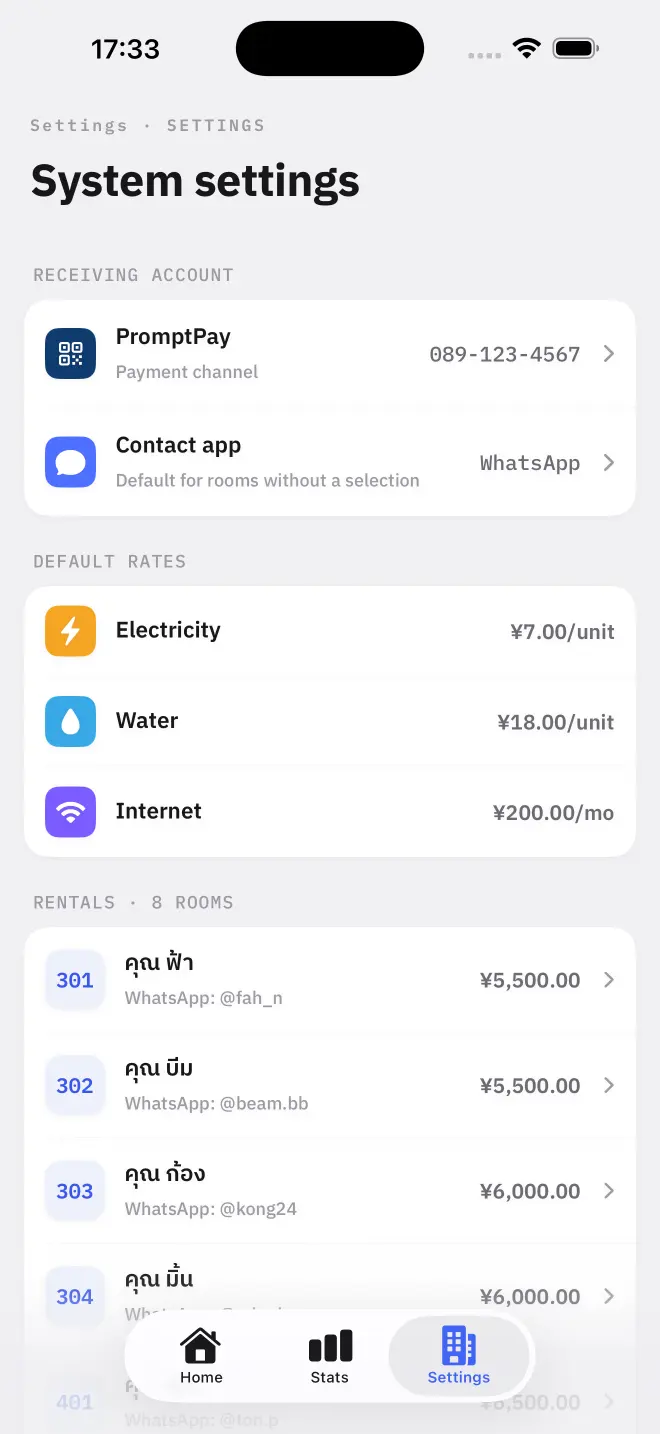
Buildings can be added, renamed and deleted in Settings. Creating a building is a Pro feature — on the free tier the limit is zero explicit buildings, and those landlords see a single implicit group with no name.
Deleting a building
Deleting a building does not delete its rooms. They move back to the unnamed group, with their history intact.
Read next
Rooms, rent and rates
How to add rooms in Doorbook, set rent, internet and per-unit electricity and water rates, override the defaults for one room, and group rooms into buildings.
NextFree, Pro, and managing the subscription
Doorbook is free for up to 18 rooms. Pro adds unlimited rooms, buildings, iCloud backup with 10 restore points, and Excel export. Managed entirely through Apple.